 METROLORE
STOP 01
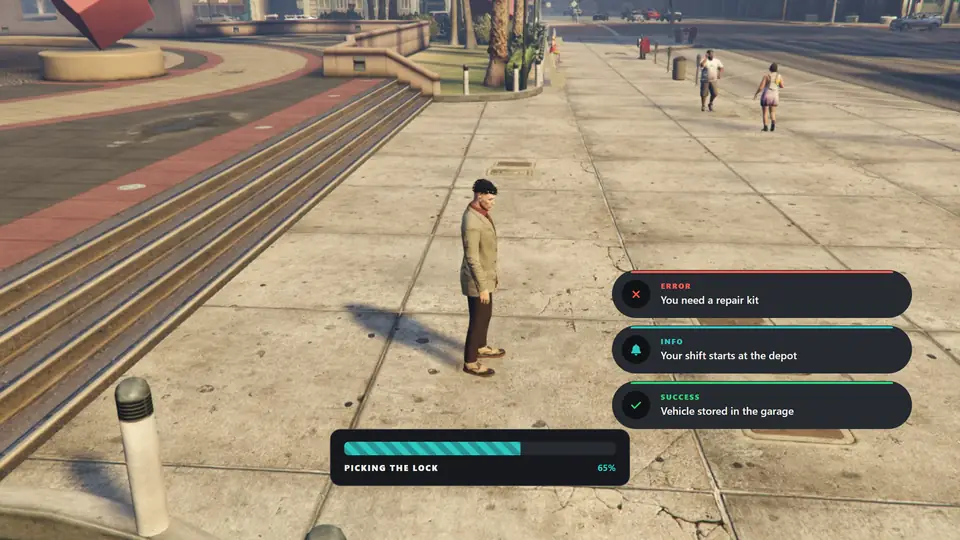
Six notification designs
Panel, Solid, Outline, Edge, Tinted and Compact.
Overview
Replaces the default notifications and progress bar. Players choose the design, surface and colour in-game, and the choice is saved for them.
Features
Panel, Solid, Outline, Edge, Tinted and Compact.
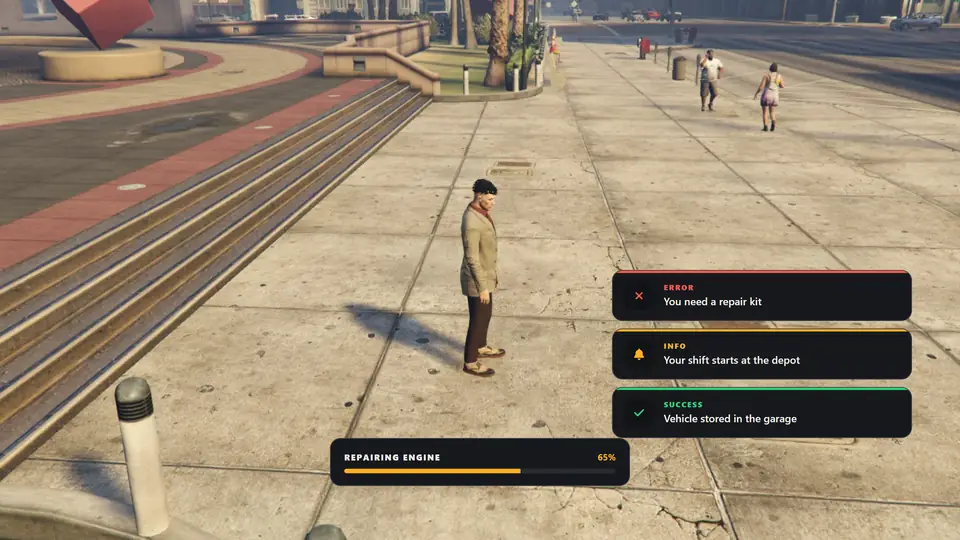
Six layouts: Standard, Slim, Bold, Inset, Notch and Minimal. Six fills: Solid, Striped, Segments, Dots, Two tone and Ring.
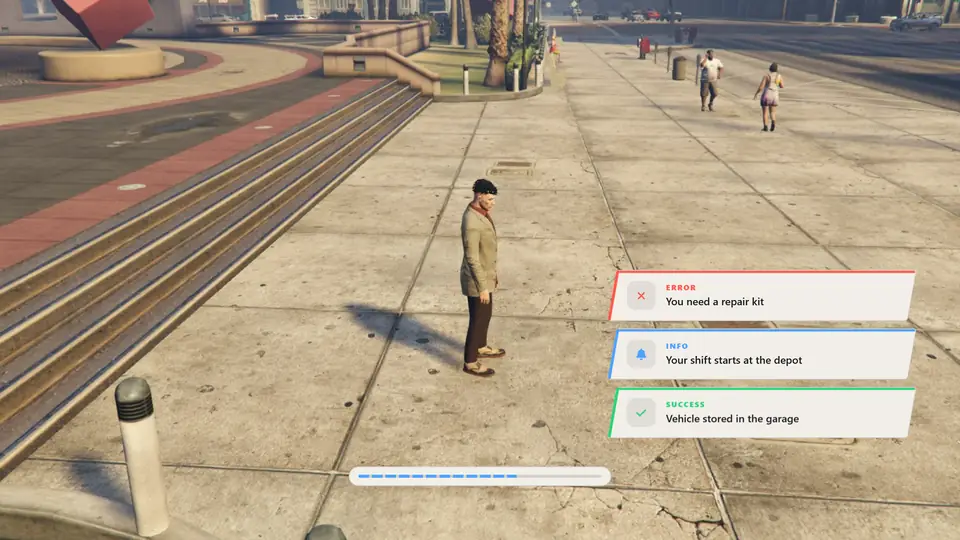
Dark, Black, Glass, Light and Clear presets, or any custom colour with an opacity slider.
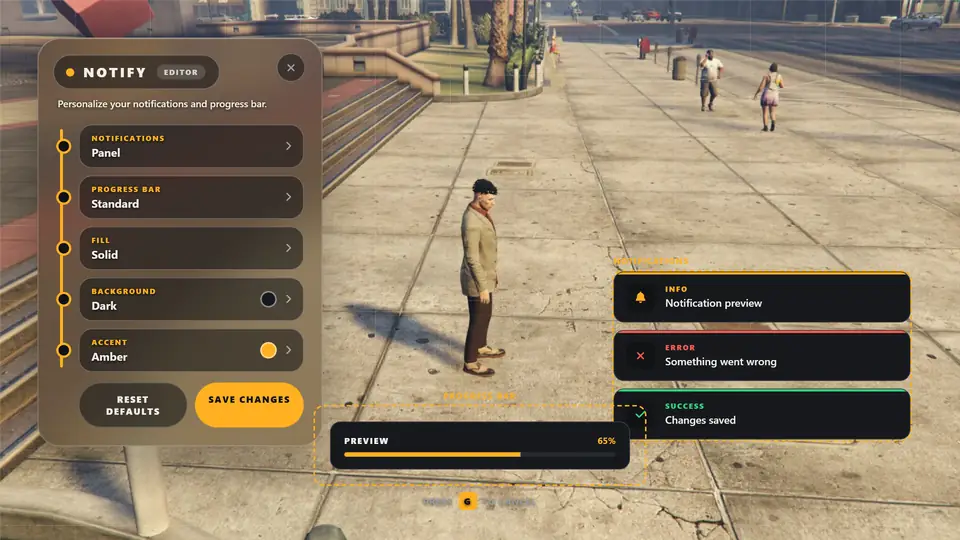
Position the notification area and the progress bar on screen.
Before you buy
Install
ensure qb-core
ensure mlr-notify
# ... scripts that show notifications ...Help
Start mlr-notify before the scripts that use it, and leave Config.Framework on auto or set your framework. Make sure the complete html folder was copied.
A message that repeats within half a second is ignored. This prevents doubles from scripts that fire two events.
Press Save changes before closing the editor. Clearing the FiveM cache or reinstalling FiveM removes them.
Only one progress bar runs at a time. If another one is active, the new call is cancelled.
Keep going