
METROLORE DocsDiscordBasket
  1. Home
  2. FiveM scripts
  3. Roleplay
  4. Sit Anywhere

M4Line M4 · Roleplay

SitAnywhere

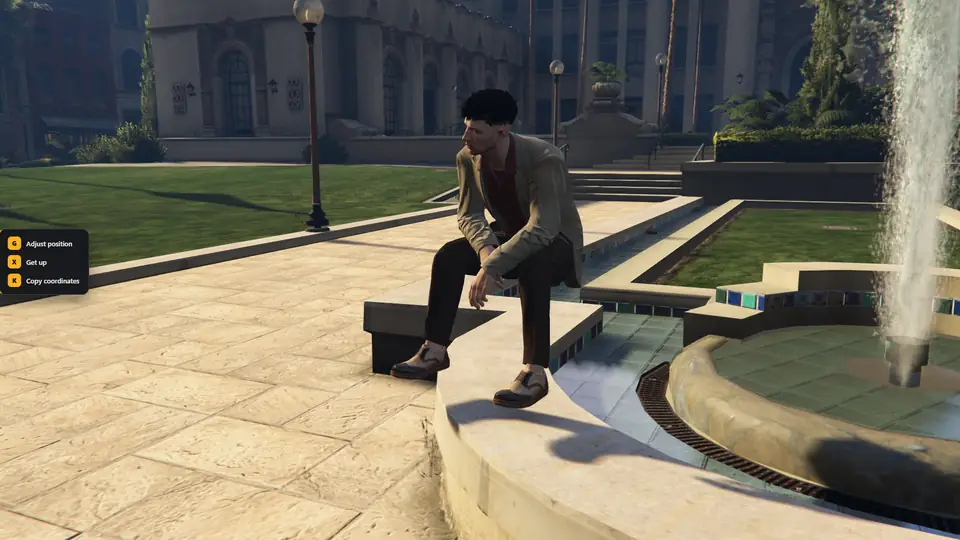
Character sitting on a fountain ledge with Sit Anywhere
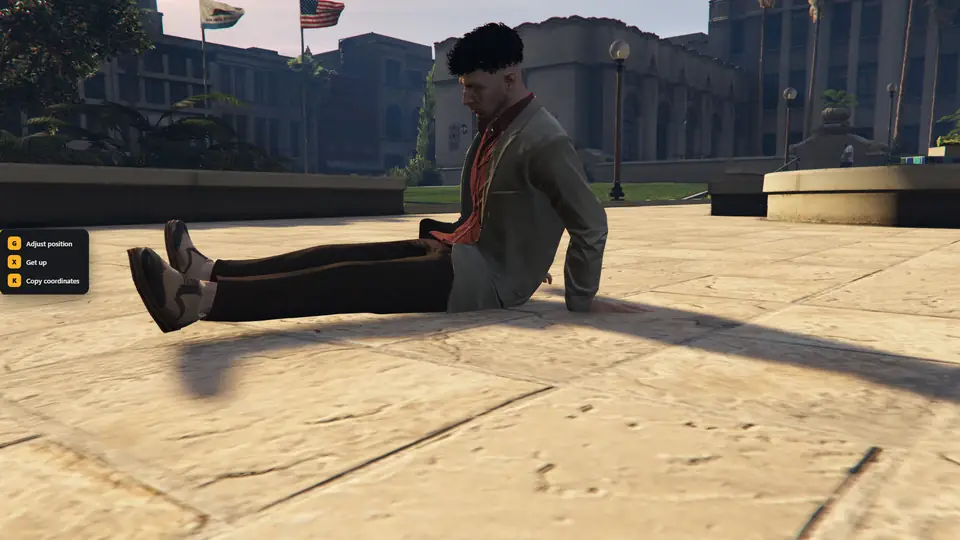
Character sitting on open ground with Sit Anywhere
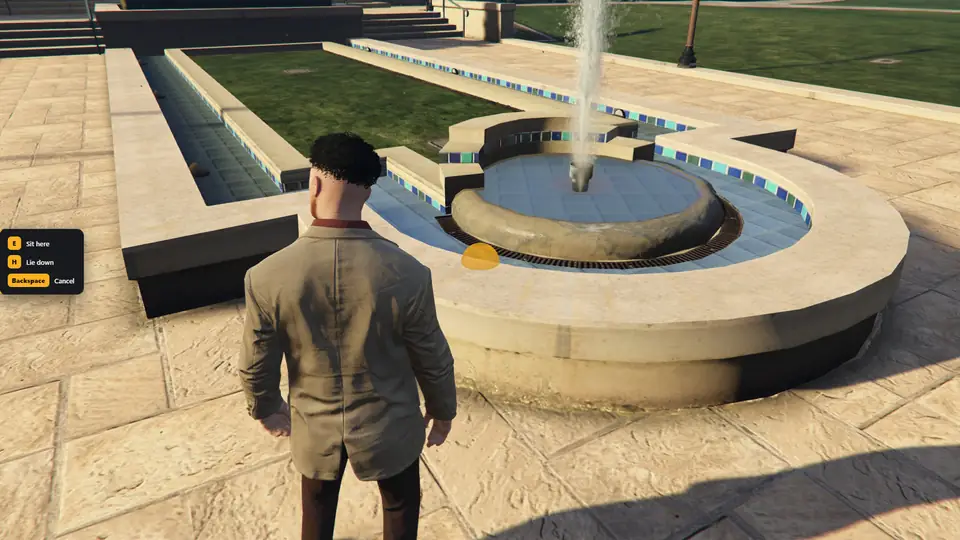
Free placement marker on a ledge with the sit and lie down keys
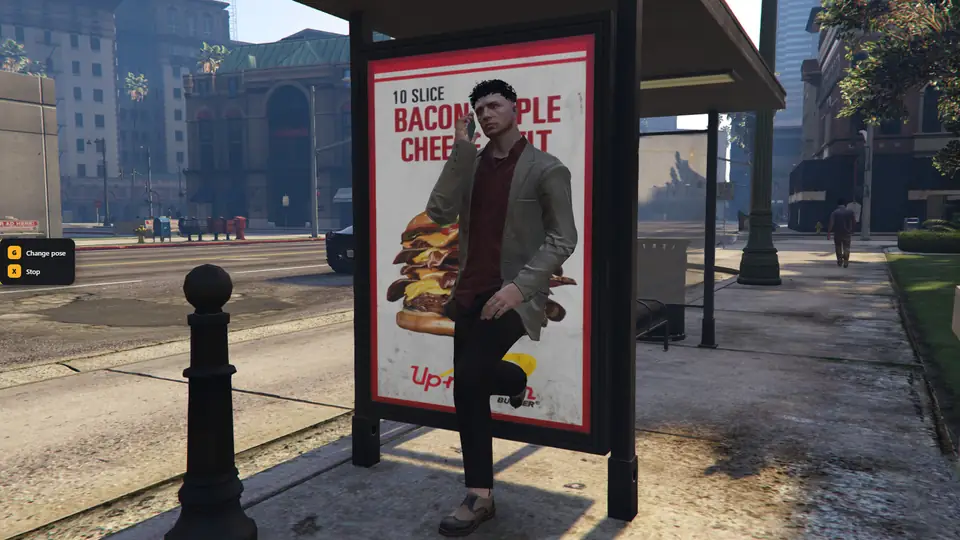
Character leaning on a bus shelter in the phone pose

Overview

What this line does

Chairs and benches work through the target eye, and any wall, ledge or vehicle works by aiming at it. An in-game editor adjusts the position.

Commands
/sit, /lay
Free placement
U key
Database
No SQL
Languages
English, Turkish

Features

Stops on this line

Free placement in Sit Anywhere
STOP 01

Free placement

Press U and aim at any surface. Sit or lie down on the ground, grass, curbs, wall tops, ledges and parked vehicles, or lean on any wall or vehicle.
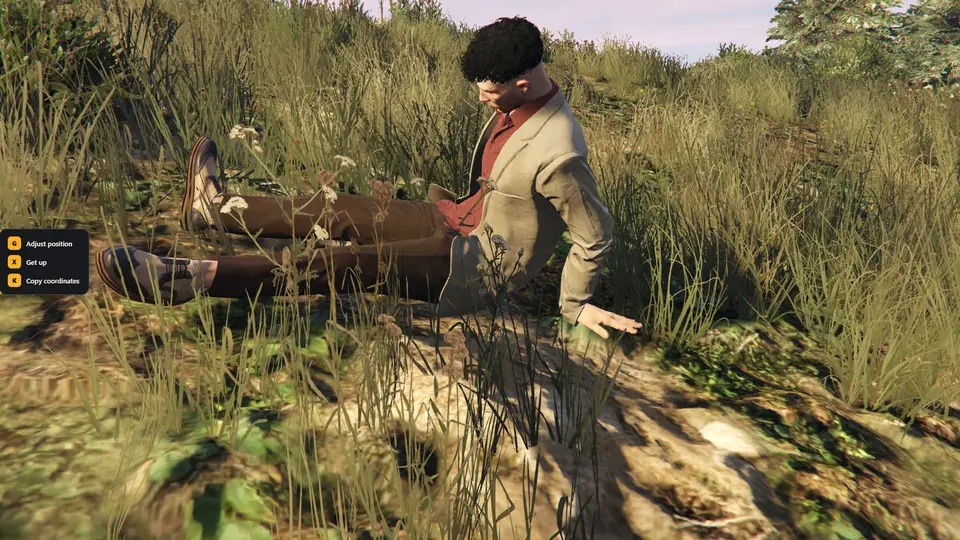
Surface fit in Sit Anywhere
STOP 02

Surface fit

Every animation is set on the surface by the real pose of the character, on slopes too, so the body does not sink in or float.
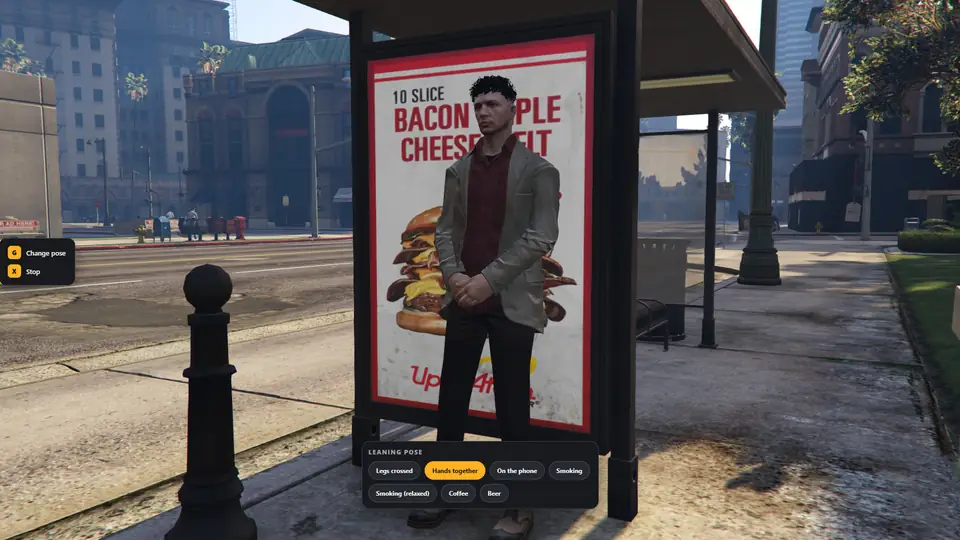
Leaning poses in Sit Anywhere
STOP 03

Leaning poses

Legs crossed, hands together, on the phone, smoking, coffee, beer. Held items appear in the hand.
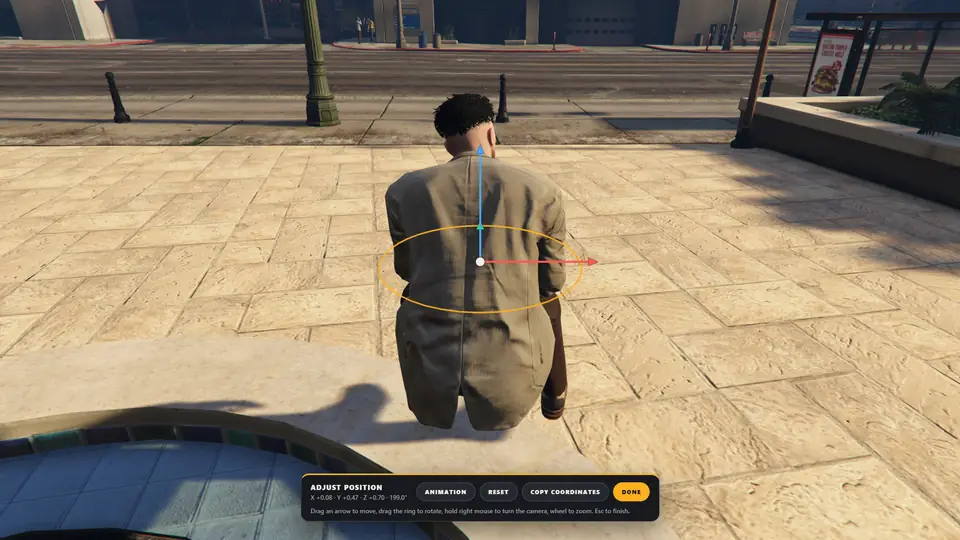
Position editor in Sit Anywhere
STOP 04

Position editor

Drag arrows to move the player, drag a ring to rotate, turn the camera with the right mouse button.

  • Seats and bedsSit on chairs, benches and sofas and lie on beds with the target eye or the /sit and /lay commands.
  • Automatic directionLegs off the edge on a ledge, back to a wall on the ground, facing downhill on a slope. The player only picks the spot.
  • Built against abuseNo sitting in water, inside or under vehicles, or through walls. Getting up cannot carry a player over a wall, the editor cannot put a body in a wall or the ground, and its camera stops at walls.
  • Animation pickerSeven sitting and seven lying animations. Each player's choice and adjustment is remembered.
  • Your own animationsAdd or change animations in the open config file, in the escrow build too. The surface fit works for them without height offsets.
  • Abuse protectionActions are blocked or cancelled when the player is handcuffed, dead, fighting or hurt, and the body stays solid.

Before you buy

Requirements

  • FiveM server with a recent artifact
  • ox_lib
  • qb-target, qtarget or ox_target. Free placement works without one
  • No SQL

Install

Get it running

  1. Put the mlr-sit folder in your resources directory.
  2. Add it to server.cfg after ox_lib and your target.
  3. In config.lua set Config.Target to the target you use.
  4. Restart the server and join. Aim at a chair, or press U and aim at a wall.
ensure ox_lib
ensure qb-target
ensure mlr-sit

Full installation guide →

Help

If something stops

ox_lib must be started before this resource

Put ensure ox_lib above ensure mlr-sit in server.cfg.

Pressing U does nothing

Another resource may use the same key. Rebind it in the FiveM key settings or change Config.FreePlace.key, then press F8 and look for errors.

Why is the marker red?

The hint on the left tells why: too far away, too high to reach, not enough room, or something in the way.

The back goes into the wall while leaning

Raise Config.FreePlace.leanBackDepth a little, for example 0.26.

Keep going

Next stops